Category Archives: Holiday
NightLights Memes

NightLights makes a great tool for creating internet memes! You have control over the background color, or photo. Choose your light selection, enter a message, change the font, and text size, then make a screen shot!
 You can use the ~ (tilde) character for positioning, or forcing line breaks.
To capture your screen on a Mac, press the shift+command+3 keys. The screen shot is saved to your desktop.
On iDevices, press the wake/sleep+home buttons. The screen shot is saved to your photo library.
…
Once you have your screen shot, just upload to your favorite social media site! Instant meme! While you’re there head on over to our Facebook page and give us a like!
Happy Holidays! ~==>
NightLights Desktop Update 1.5!
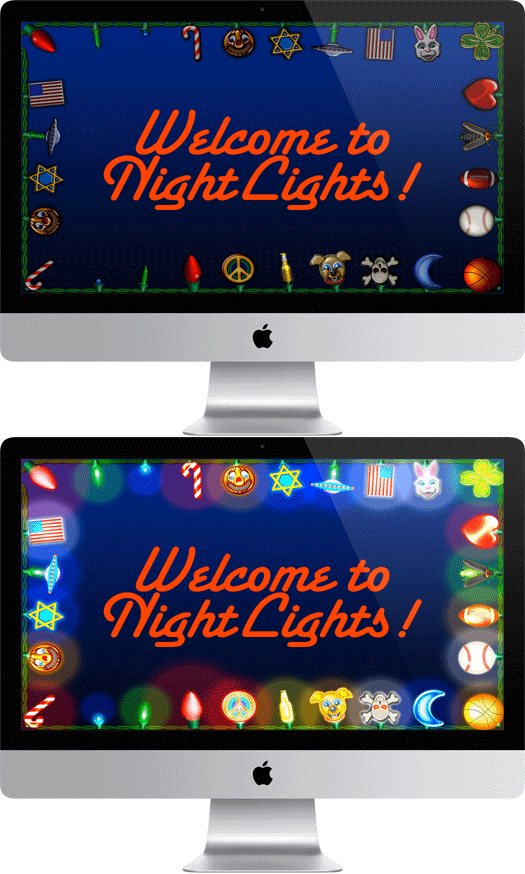
Decorate your Mac with bright, shiny lights!
We are very pleased to announce that NightLights Desktop version 1.5 is now available for download on the Mac App Store! Here’s whats new!
- New Lightbulbs! Added 36 new bulbs, for a total of 70 lightbulbs in all!
- Updated the Work Bench to accommodate the additional bulbs.
- New Fireflies background effect.
- Added lightning with thunder to Rain Effect!
- New Window Frames effect. Choose from White, or Rustic window frames.
- Overall interface improvements. Unified Interface with iPad, iPhone, versions.
- New detailed on screen help.
- Completely rebuilt to take advantage of OS X SpriteKit technology.
For more info, and to download, go here…
NightLights Universal Now Available!
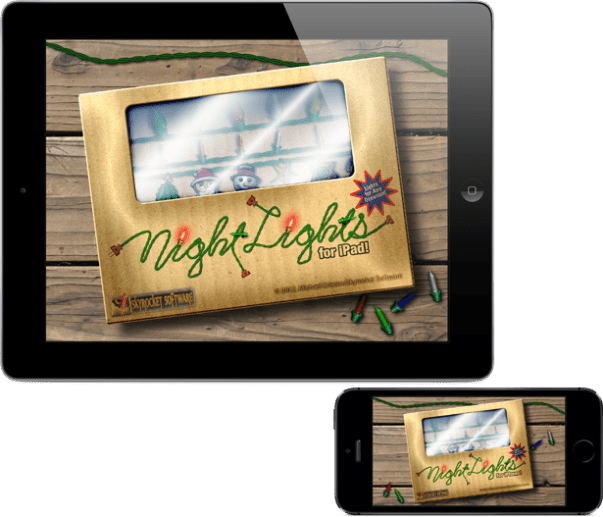
Decorate all your devices with bright, shiny lights!
We are very pleased to announce that NightLights version 1.5 is now available for download on the App Store! Here’s whats new!
- Universal Binary. Now runs on iPad, iPhone, and iPod Touch.
- New Lightbulbs! Added 36 new bulbs, for a total of 70 lightbulbs in all!
- Updated the Work Bench to accommodate the additional bulbs.
- New Fireflies background effect.
- Added lightning with thunder to Rain Effect!
- Weather now responds to accelerometer, sort of like a snow globe.
- New Window Frames effect. Choose from White, or Rustic window frames.
- Overall interface improvements.
- New detailed on screen help.
- Completely rebuilt to take advantage of iOS 7 SpriteKit technology.
For more info, and to download, go here…
Happy Independence Day!
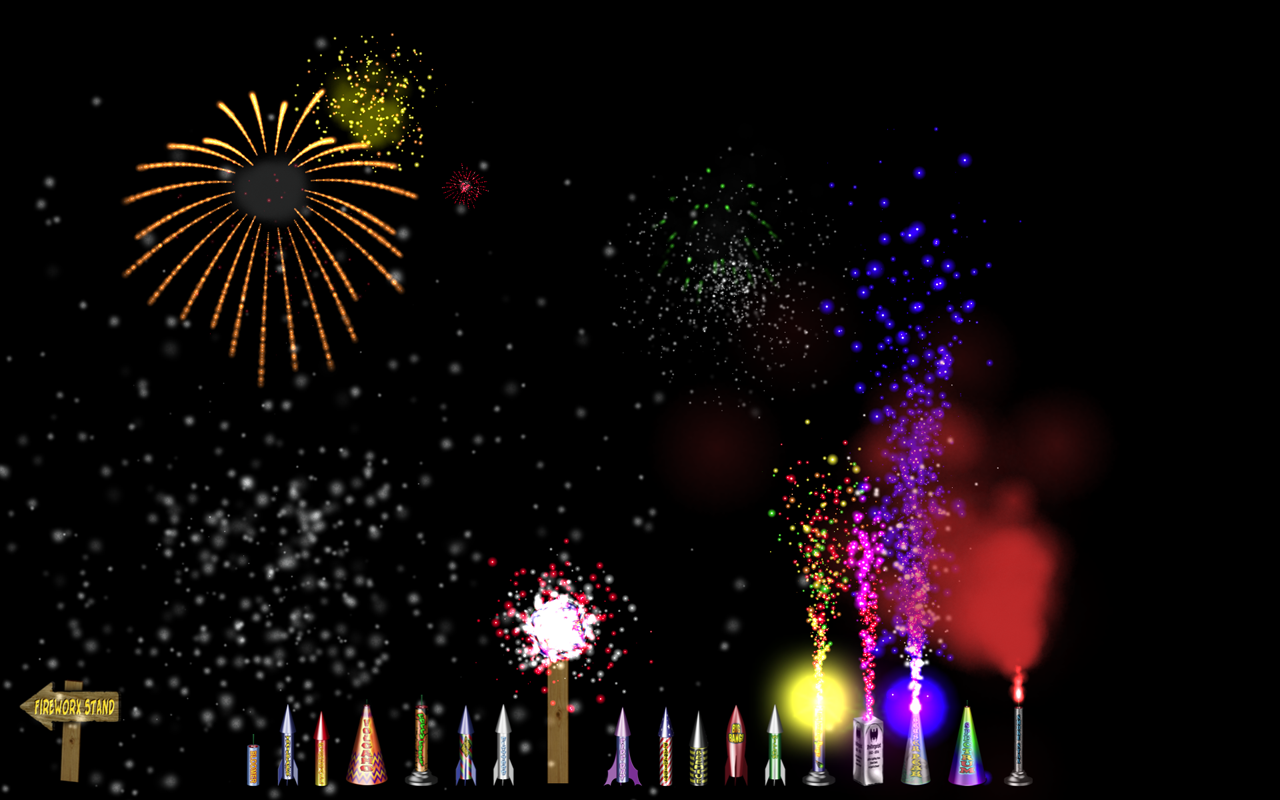
These digital beauties are inexpensive and easy! No muss, fuss, or burned fingers! So what are you waiting for!
FireworX Stand for Mac
FireworX Stand for iPad
Virtual FireworX Screensaver
July 4th is Just Around The Corner!
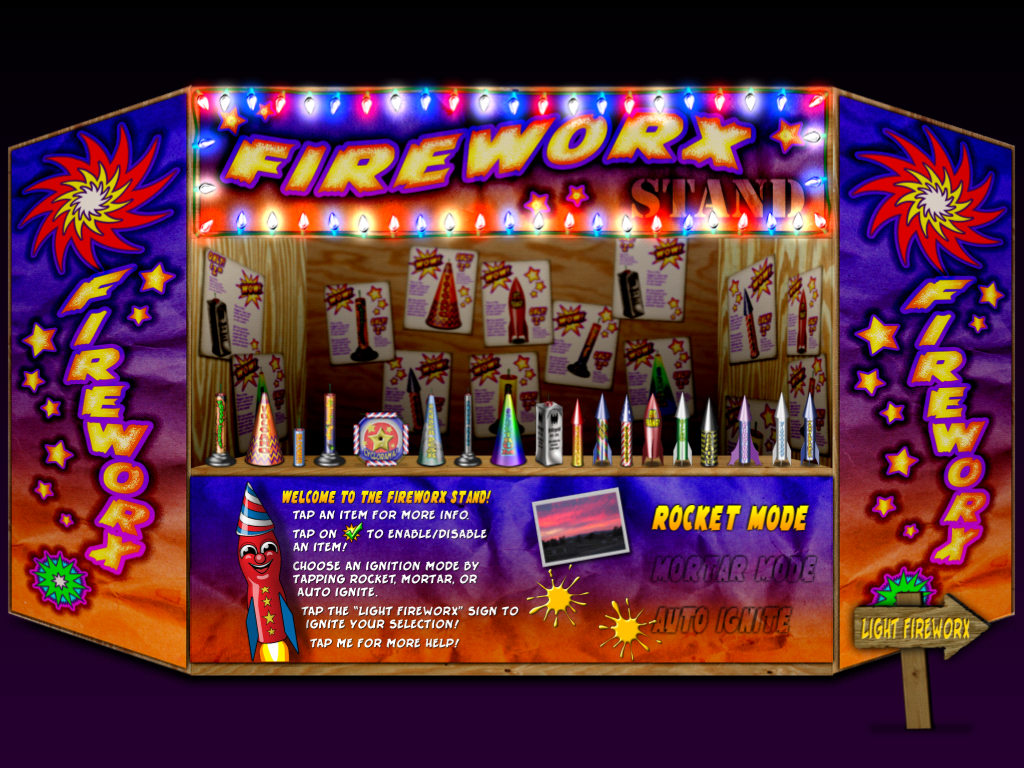
This Stand is always open!
It’s time to decorate your Apple devices with fun and fireworks!
FireworX Stand for Mac
FireworX Stand for iPad
Virtual FireworX Screensaver
These digital beauties are inexpensive and easy! No muss, fuss, or burned fingers! So what are you waiting for!
Happy Independence Day!
Fireworks are Fun and Fantastic!
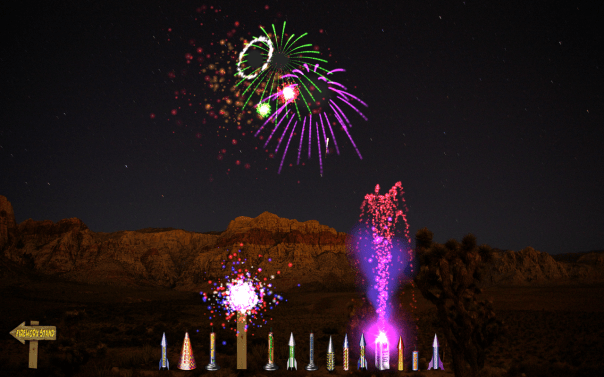
Back around the 7th century the Chinese invented fireworks. Punctuating cultural events, and religious purposes, fireworks are part of the human experience. We can enjoy them with sight, sound, smell, and even touch, as we sense the concussion in our bones. Fireworks are beautiful on so many different levels, that each one of us has a unique experience.
For me, some of my earliest, and best memories involve fireworks. Warm summer nights, celebrations with family and friends, parades and picnics. Throughout my entire life, I have spent time trying to re-create those experiences of awe and beauty. As a child I have made drawings, cartoons, even collected extinguished fireworks for a pretend stand. My neighbors must have thought me odd, sitting behind my red wagon stand, selling burnt out fireworks for play money! Later I took it to the next level, and experimented with making my own fireworks, safely I might add. No one got hurt!
My first software product was, “The Digital Fireworks Stand”, a CD-ROM based simulation that also included history, a glossary of terms, and safety tips. Since then I have paid tribute to fireworks with several other software titles, including screen savers. Even the name of this company honors fireworks! So you see, I am still drawing and making fireworks, sitting behind my red wagon stand, waiting for my neighbors.
Celebrate with fireworks each and every day, all year long!
FireworX Stand for Mac & iPad!
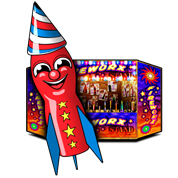
All year long, any holiday or occasion, FireworX Stand brings a festive mood to your Mac or iPad! These pyro-tastic delights burn cool, so they won’t burn you, or your screen! FireworX Stand is realtime particle animations of fireworks, with realistic sparks, fire, smoke, and authentic sound effects!
>>> FireworX Stand for Mac >>>
>>> FireworX Stand for iPad >>>
Virtual FireworX Screensaver for Mac!
 Virtual FireworX are realtime 3D particle animations of fireworks simulations. Because the fireworks render in realtime, they truly vary from each viewing, randomly igniting in new locations in 3D space!
In the News: 17 Year Cicada Emergence
 Arguably not as beautiful as fireworks, but just as noisy, a new 17 year Cicada emergence will happen on the east coast this summer. There are many species of Cicada; pronounced si-kay-da. Some are annual, others are periodical, remaining in juvenile stages for as many as 17 years before emerging as adults! Check out this screensaver dedicated to the 17 year Magicicada emergence of 2004, also known as ‘Brood X’.
April is Coming!

Put the Easter Bunny on your Mac with BunnyBot. He’s brought along decorated eggs, jelly beans, and flowers just for you! >>> More Info >>>
April Showers…
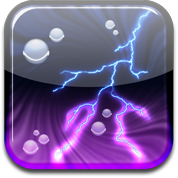 Ever wanted to control the weather? Wished for a calming spring rain, a cold winter snow, or a spectacular lightning storm? Now you can be your own deity and conjure up your Mac’s weather at will!
Decorate your Devices for Spring!
Here’s some suggestions to bling out your Mac and iOS gadgets for spring!
NightLights for Mac and iPad
NightLights for Mac and iPad is designed to add some holiday cheer to any occasion! It doesn’t matter which holiday you’re celebrating, there’s a color combination for every need. NightLights comes with both “Mini”, “C7″ type, and novelty shaped light bulbs. You can mix and match, choose from various blink modes, and more!
For more details check out these links:
NightLights Desktop for Mac
NightLights for iPad
Leprechaun Screensaver for Mac
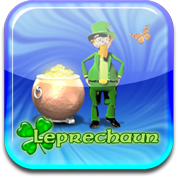 Have your very own digital Leprechaun on your desktop! Lonnie the Leprechaun hangs out in his own little world, looking for gold.
For more details: Leprechaun Screensaver for Mac
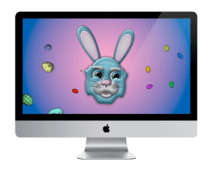 BunnyBot for Mac
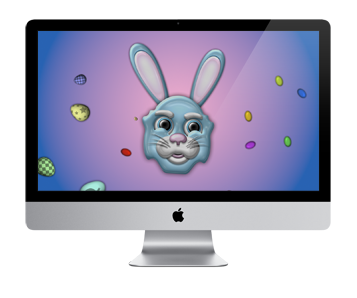
Put the Easter Bunny on your Mac with BunnyBot. He’s brought along decorated eggs, jelly beans, and flowers just for you! For more details: BunnyBot for Mac
Spring Screens
Check out these Mac screensavers that bring out the spirit of spring!
 Butterflyz Screensaver
HoneyBeez Screensaver
Stormz Screensaver
Campfirez Screensaver
Frosted for iPhone/iPad Now Available!


Just in time for Christmas, Frosted is now available for download from the App Store! Our first universal app for all current iOS devices!
Brought to life by the spirit of Christmas, Frosted spreads holiday cheer to all! His frequent visitors include Rudy the Reindeer, Santa, and best of all, YOU!
Frosted for iPhone and iPad Coming Soon!
Well, better late then never, I’ve always heard! Cross your fingers it’ll be out by Christmas!

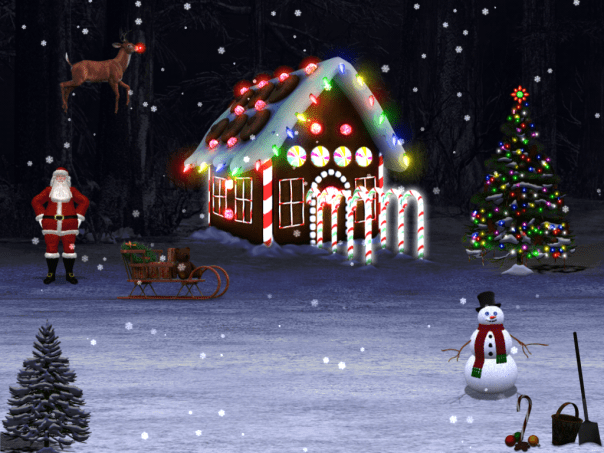
Frosted for iOS is a re-crafted version of our Frosted screensaver for MacOSX.



 Skyrocket Software