Blog Archives
NightLights Memes

NightLights makes a great tool for creating internet memes! You have control over the background color, or photo. Choose your light selection, enter a message, change the font, and text size, then make a screen shot!
 You can use the ~ (tilde) character for positioning, or forcing line breaks.
To capture your screen on a Mac, press the shift+command+3 keys. The screen shot is saved to your desktop.
On iDevices, press the wake/sleep+home buttons. The screen shot is saved to your photo library.
…
Once you have your screen shot, just upload to your favorite social media site! Instant meme! While you’re there head on over to our Facebook page and give us a like!
Happy Holidays! ~==>
Halloween Fun
Here are some Halloween Tricks and Treats for all your digital devices!
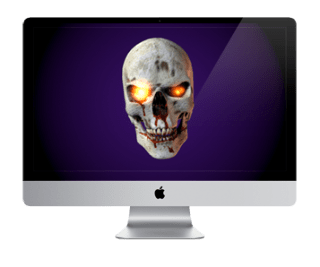 Spooked!:
Turn your iPad or Mac into a Virtual Poltergeist! Choose from several spooky characters that you tell what to say! Great for your Halloween Haunted House, or to spook your friends anytime of the year!
Spooked! for iPad…
Spooked for Mac…
 NightLights:
Decorate your devices with bright, shiny lights! Besides the standard C7, Mini, and LED lights, NightLights comes with several Halloween themed bulbs!
NightLights for iPad, iPhone, iPod Touch…
NightLights Desktop for Mac…
…
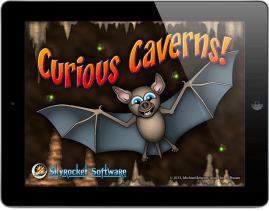 CuriousCaverns:
After a long night of Trick or Treating, settle down with a hot cup of cider, and hang out with Talon the Bat! Feed your Bat by eating bugs and other critters. Collect coins, gems, minerals and other power-ups, while avoiding obstacles, and enemies. Look for ammo, to protect yourself, and do battle with the denizens of the cave.
…
CuriousCaverns for iPad is ON SALE for $0.99 now through November 1, 2013!
Happy Halloween! ~==>
NightLights Desktop Update 1.5!
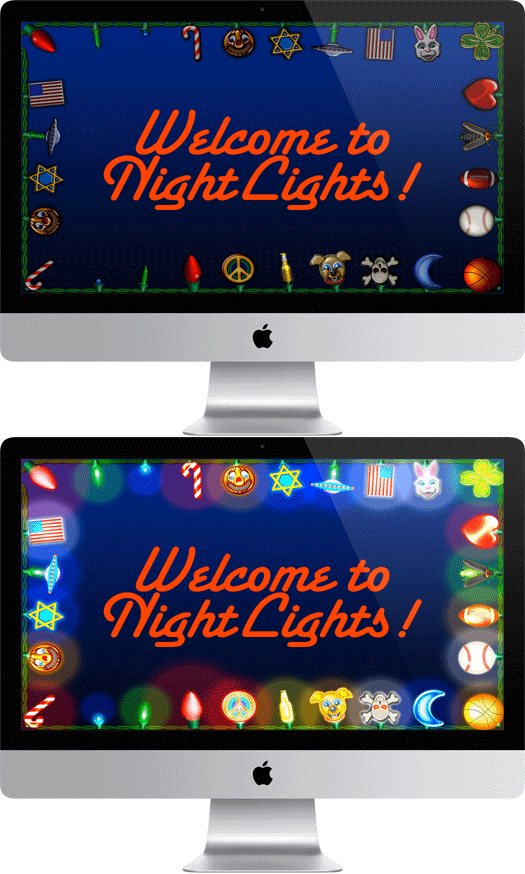
Decorate your Mac with bright, shiny lights!
We are very pleased to announce that NightLights Desktop version 1.5 is now available for download on the Mac App Store! Here’s whats new!
- New Lightbulbs! Added 36 new bulbs, for a total of 70 lightbulbs in all!
- Updated the Work Bench to accommodate the additional bulbs.
- New Fireflies background effect.
- Added lightning with thunder to Rain Effect!
- New Window Frames effect. Choose from White, or Rustic window frames.
- Overall interface improvements. Unified Interface with iPad, iPhone, versions.
- New detailed on screen help.
- Completely rebuilt to take advantage of OS X SpriteKit technology.
For more info, and to download, go here…
NightLights Universal Now Available!
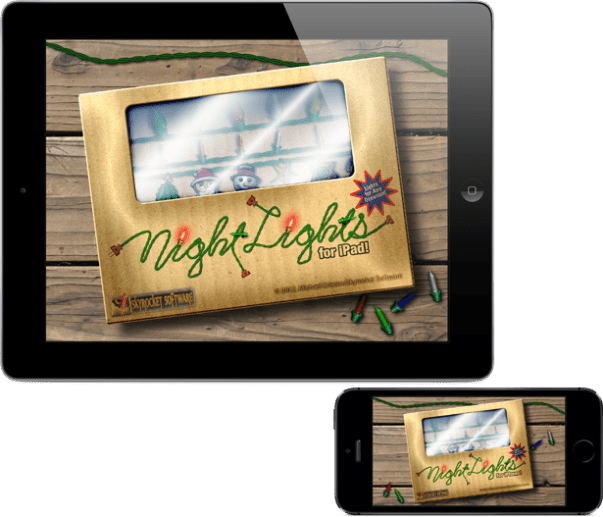
Decorate all your devices with bright, shiny lights!
We are very pleased to announce that NightLights version 1.5 is now available for download on the App Store! Here’s whats new!
- Universal Binary. Now runs on iPad, iPhone, and iPod Touch.
- New Lightbulbs! Added 36 new bulbs, for a total of 70 lightbulbs in all!
- Updated the Work Bench to accommodate the additional bulbs.
- New Fireflies background effect.
- Added lightning with thunder to Rain Effect!
- Weather now responds to accelerometer, sort of like a snow globe.
- New Window Frames effect. Choose from White, or Rustic window frames.
- Overall interface improvements.
- New detailed on screen help.
- Completely rebuilt to take advantage of iOS 7 SpriteKit technology.
For more info, and to download, go here…
Decorate your Devices for Spring!
Here’s some suggestions to bling out your Mac and iOS gadgets for spring!
NightLights for Mac and iPad
NightLights for Mac and iPad is designed to add some holiday cheer to any occasion! It doesn’t matter which holiday you’re celebrating, there’s a color combination for every need. NightLights comes with both “Mini”, “C7″ type, and novelty shaped light bulbs. You can mix and match, choose from various blink modes, and more!
For more details check out these links:
NightLights Desktop for Mac
NightLights for iPad
Leprechaun Screensaver for Mac
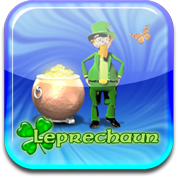 Have your very own digital Leprechaun on your desktop! Lonnie the Leprechaun hangs out in his own little world, looking for gold.
For more details: Leprechaun Screensaver for Mac
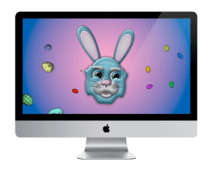 BunnyBot for Mac
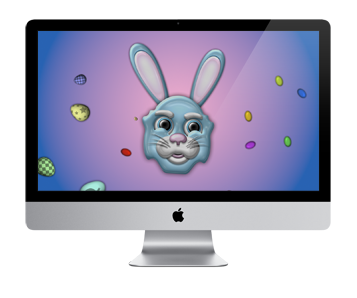
Put the Easter Bunny on your Mac with BunnyBot. He’s brought along decorated eggs, jelly beans, and flowers just for you! For more details: BunnyBot for Mac
Spring Screens
Check out these Mac screensavers that bring out the spirit of spring!
 Butterflyz Screensaver
HoneyBeez Screensaver
Stormz Screensaver
Campfirez Screensaver
Win a copy of NightLights!
Five lucky people will win a copy of NightLights for both Mac and iPad! Just comment, “Happy Thanksgiving” to this post to enter! I’ll chose the winners randomly throughout the day!
Happy Thanksgiving!
EXTRA EXTRA! I’ve decided to extend this giveaway throughout the Thanksgiving weekend!
Mac Decorations

Want your Mac screen to reflect your mood? Check out NightLights Desktop! There are plenty of lights, colors, and bright shiny things to enhance any occasion!



 Skyrocket Software