Category Archives: MacOSX
How to create a synchronized show with Fireworx Stand 2.0
Here’s how to quickly create a fireworks show synced to music:
- Launch Fireworx Stand 2.0 for Mac, iPad, iPhone, or iPod Touch.
- Bring up the Toolbar, and choose a photo backdrop by tapping on the film roll icon. This step is optional.
- Choose a song by tapping on the load music icon.
- Tap the Play button, and choose Record. Your song will begin to play.
- Any tap on the screen will add a new firework to your show, and set it’s ignition time.
- Tap the Stop button when you are done.
- Tap the Save button to save your show for later playback. (Optional)
- To playback your show, just tap the Play button.
That’s all there is to it! Enjoy!
Download Fireworx Stand 2.0 for Mac…
Download Fireworx Stand 2.0 for iPad, iPhone, and iPod Touch…
>> More Info: Fireworx Stand for Mac >>
>> More Info: Fireworx Stand for iPad, iPhone, and iPod Touch >>
~==>
Fireworx Stand 2.0 is Here!
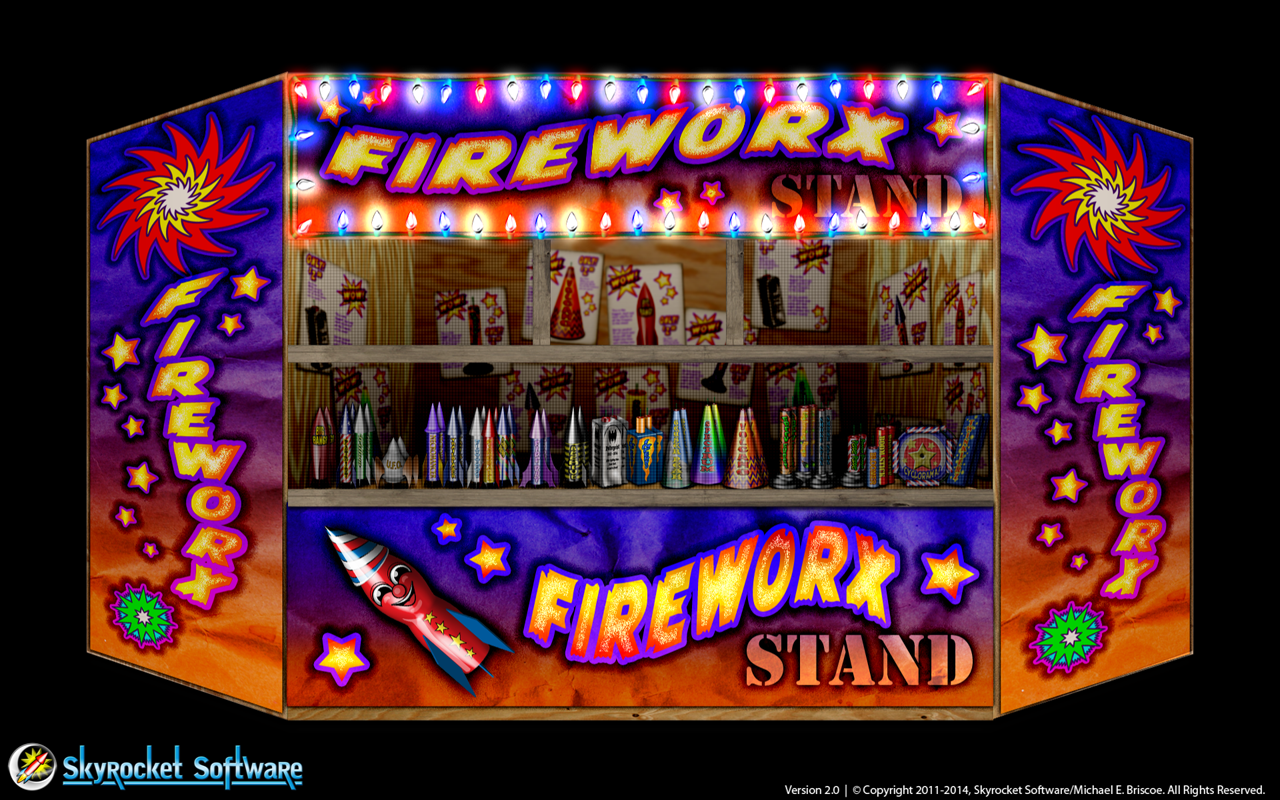
Get Ready for the Fourth with Fireworx Stand!
With July 4th just around the corner, I’m pleased to announce Fireworx Stand 2.0! Available for Macintosh on the Mac App Store, and iPad, iPhone, and iPod Touch on the App Store! Fireworx Stand brings a festive mood to your Mac, iPad, iPhone, or iPod Touch! These pyro-tastic delights burn cool, so they won’t burn you, or your screen! Fireworx Stand is realtime particle animations of fireworks, with realistic sparks, fire, smoke, and authentic sound effects!
What’s New:
- Recoded from the ground up, with an all new simpler interface, that puts everything at your fingertips!
- All fireworks have been reformulated using SpriteKit particles, and have physics properties!
- Added seven new exciting fireworks effects, including a large firecracker!
- Now you can create synchronized fireworks shows with Layout Mode, or record them on the fly!
- Save and load fireworks shows.
- Universal Binary on mobile devices! Now runs on iPad, iPhone, and iPod Touch!
- Much, much more!
Download Fireworx Stand 2.0 for Mac…
Download Fireworx Stand 2.0 for iPad, iPhone, and iPod Touch…
>> More Info: Fireworx Stand for Mac >>
>> More Info: Fireworx Stand for iPad, iPhone, and iPod Touch >>
~==>
Cave Hunter for Mac Available Now!
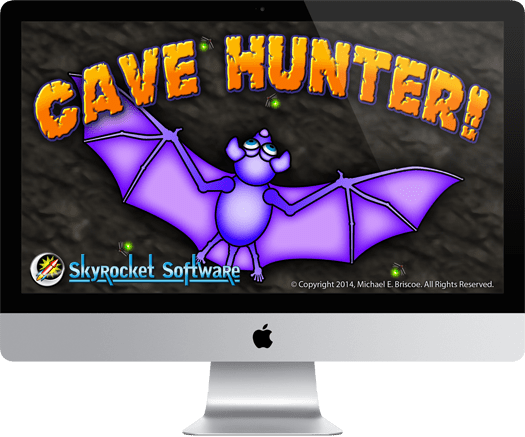
Now you can play Cave Hunter on the big screen!
Cave Hunter is a procedurally generated maze system, that is different with every play! Each level takes between 15 seconds, to a couple of minutes, making this game easy to pick-up and play at any time. With unlimited levels, the deeper you go, the more complex each maze becomes!
Cave Hunter is fun and addictive! The goal is simple; find the exit while hunting bugs, collecting power ups, and avoiding baddies. Achievements, and Game Center support is available so you can challenge your friends!
Get your copy of Cave Hunter for Mac Now!
I hope you enjoy Cave Hunter as much as I did creating it!
>> More Info >>
~==>
CuriousCaverns for Mac now Available!

Play CuriousCaverns anywhere, even in big screen glory!
CuriousCaverns for Mac is available on the AppStore! Now there are versions for your Mac, as well as iPad, iPhone, and iPod Touch, so you can play at home, or on the go! CuriousCaverns is beautiful on the larger Mac screen!
Download for FREE and play Level 1 now! If you enjoy the game you can buy Levels 2 through 5 with In App Purchase!
>> More Info >>
~==>
Prepare for the coming invasion…
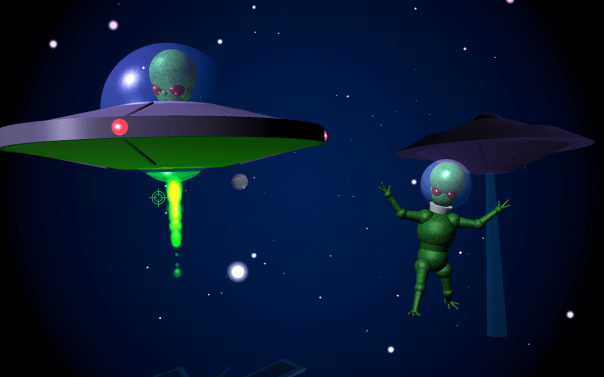
The Aliens are on their way!
From the cold, dark reaches of space, they come. Curious about our blue jewel of a planet. What life exists there? What resources does it hold? How can they exploit it? What tastes better; beef, chicken, or man flesh?
Head on over to our Facebook page and give us a like!
~==>
Happy 2014!

Celebrate the New Year with Fireworks!
All year long, any holiday or occasion, FireworX Stand brings a festive mood to your iDevices! These pyro-tastic delights burn cool, so they won’t burn you, or your screen! FireworX Stand is realtime particle animations of fireworks, with realistic sparks, fire, smoke, and authentic sound effects!
FireworX Stand for Mac…
FireworX Stand for iPad…
Head on over to our Facebook page and give us a like!
Happy New Year! ~==>
Decorate your devices this Christmas!

Christmas is almost here! Are your Apple branded devices ready? Show your Christmas spirit with these beautiful holiday themed apps:
Frosted
Celebrate winter with your very own digital snowman! Brought to life by the spirit of Christmas, Frosted spreads holiday cheer to all! His frequent visitors include Rudy the Reindeer, Santa, and best of all, YOU! Explore the interactive environment of this magical place by clicking objects on your screen.
Frosted for Mac…
Frosted for iPhone, iPad, and iPod Touch…
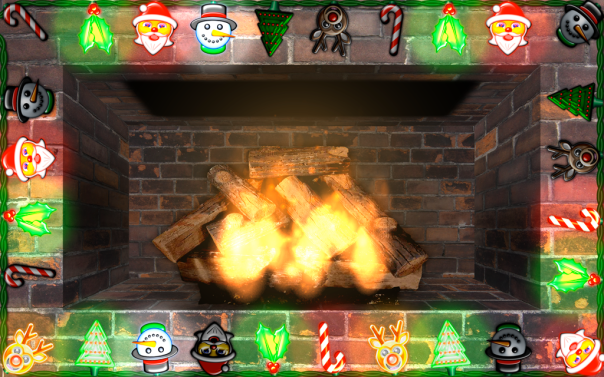
NightLights
Decorate your Mac, iPhone, iPad, or iPod Touch with bright, shiny lights! Who needs all those headaches competing with the neighbors? Why break your neck falling off the roof this year? Heck, all you need is a copy of NightLights to get your festive spirit across. It’s cheap, and the bulbs never burn out. Use NightLights to frame your display with colored lights, or create lighted scenes with your own photos, and backgrounds.
NightLights for Mac…
NightLights for iPhone, iPad, and iPod Touch…
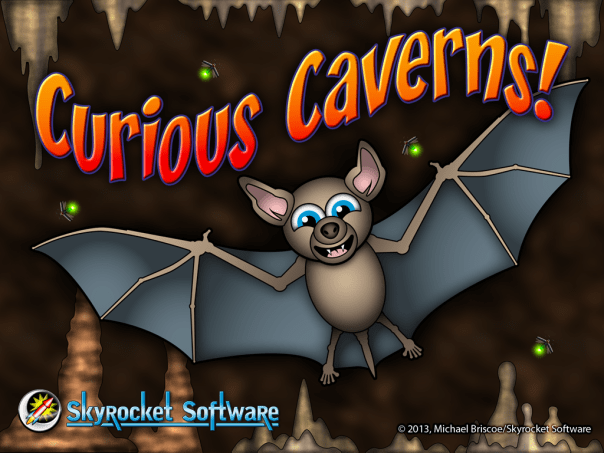
CuriousCaverns! ON SALE 99¢
Makes a great Christmas gift! Guide an adventurous Bat through a beautiful and curious underground world! Feed your Bat by eating bugs and other critters. Collect coins, gems, minerals and other power-ups, while avoiding obstacles, and enemies. Look for ammo, to protect yourself, and do battle with the denizens of the cave. Discover the many secrets of this unusual, and surprising ecosystem.
Head on over to our Facebook page and give us a like!
Merry Christmas! ~==>
Frosted for Mac Now Available!

Celebrate the holidays with your very own digital snowman! We’ve just released Frosted for Mac! So now you can throw snowballs at Santa on all your Apple devices!
Head on over to our Facebook page and give us a like!
Happy Holidays! ~==>
NightLights Desktop Update 1.6!

Paint Mode: an exciting new feature for NightLights!
Ever wished you could decorate a holiday scene with your own animated light display? How about your name in blinking lights! Well now you can, with NightLights’ new Paint Mode!
Paint Mode allows you to place strings of lights anywhere on your display by clicking and dragging. Each “Stroke” creates a light string that can have it’s own bulb sequence, scale, spacing, and angle. So now you can use NightLights to frame your display with colored lights, or create lighted scenes with your own photos, and backgrounds.

What’s new in NightLights 1.6:
- Paint Mode: Now you can place lights anywhere on your screen!
- Clear Selection Button: Easily remove long sequences when starting over.
- Minor performance enhancements and bug fixes.
For more info, and to download, go here…
Head on over to our Facebook page and give us a like!
Happy Holidays! ~==>
NightLights Memes

NightLights makes a great tool for creating internet memes! You have control over the background color, or photo. Choose your light selection, enter a message, change the font, and text size, then make a screen shot!
 You can use the ~ (tilde) character for positioning, or forcing line breaks.
To capture your screen on a Mac, press the shift+command+3 keys. The screen shot is saved to your desktop.
On iDevices, press the wake/sleep+home buttons. The screen shot is saved to your photo library.
…
Once you have your screen shot, just upload to your favorite social media site! Instant meme! While you’re there head on over to our Facebook page and give us a like!
Happy Holidays! ~==>



 Skyrocket Software