Blog Archives
CuriousCaverns: Halloween Sale!

Get CuriousCaverns for $.99 Until October 31, 2013!
To help get into the Halloween spirit, you can pick-up CuriousCaverns for less than the price of a Pumpkin Latte! Enjoy a little flapping about in a spooky cavern after carving your Jack-o-lanterns!
While you’re at it check out some of our other $.99 apps:
Spooked! for iPad – Turn your iPad into a virtual poltergeist! Choose from five spooky characters that you tell what to say! Great for your Halloween Haunted House, or to spook your friends anytime of the year! There’s a Mac version also available!
NightLights for iPad – Decorate your iPad with blinking lights! It doesn’t matter which occasion you’re celebrating, there’s a color combination for every need. NightLights comes with several vintage Halloween shaped lightbulbs! Yes, there is also a Mac version!
Happy Halloween!
~ MB
CuriousCaverns: Tip of the Week

How to move your Bat like a pro…
The Bat will follow your finger. Tap a short distance from the Bat, and drag to guide him. When you encounter baddies, it is helpful to slow your Bat to a hover by tapping directly on him. Use the big button on the bottom left, (the big Green one shown above), to fire GuanoBombs at your enemies.
Use the AcroBAT button, (second from left on bottom), to toggle AcroBAT mode on/off. When in AcroBAT mode, the Bat will appear side facing, giving him a smaller profile to fit into tight spots.
In some levels you can pick up items by flying to them. Drop them by tapping on the Bat, just like to make him hover!
Try not to flick the Bat around by swiping at him! This will confuse him, and he will most likely meet an untimely death by crashing into a stalactite, or into the mouth of a hungry snake!
Happy Caving!
~ MB
Halloween is in the air!

Halloween is just around the corner! Turn your iMac, or iPad into a virtual poltergeist with Spooked!
For more info, and to grab your copy, go here…
Spooked for iPad
Spooked for Macintosh
CuriousCaverns: Tip of the Week
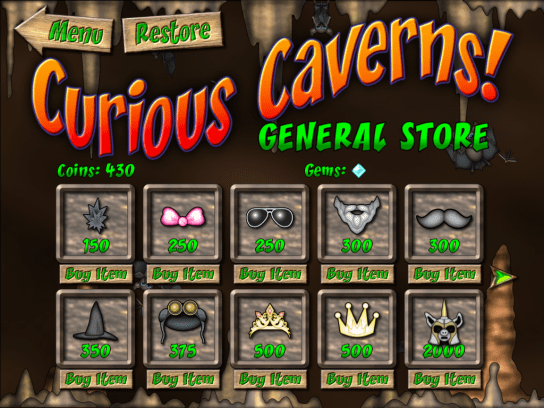
Spend your Coins and Gems at the General Store!
The coins and gems that you collect throughout the game can be used at the General Store to purchase items to enhance your Bat. Some items will change Talons appearance, while others will add special abilities.
For instance, the “Helm of Hurt”, has a nasty spike that inflicts damage to your enemies! Gems can be used to buy, “Amulet’s of Protection”, which act as a sort of armor against damage. To find out more info, tap the, “Buy Item” button under each product. You can also make In App Purchase’s, (using real money), for special skins that completely change the look of your Bat!
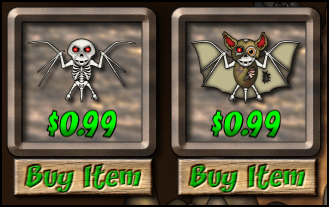
I hope you enjoy playing CuriousCaverns as much as I enjoyed making it! It’s a vast cave system, and new levels, and items will be added soon!
~ MB
Curious Caverns Teaser
I’m putting the finishing touches on Curious Caverns, and shooting for an August release! Here is a little teaser video I put together!
Happy Independence Day!

These digital beauties are inexpensive and easy! No muss, fuss, or burned fingers! So what are you waiting for!
FireworX Stand for Mac
FireworX Stand for iPad
Virtual FireworX Screensaver
July 4th is Just Around The Corner!
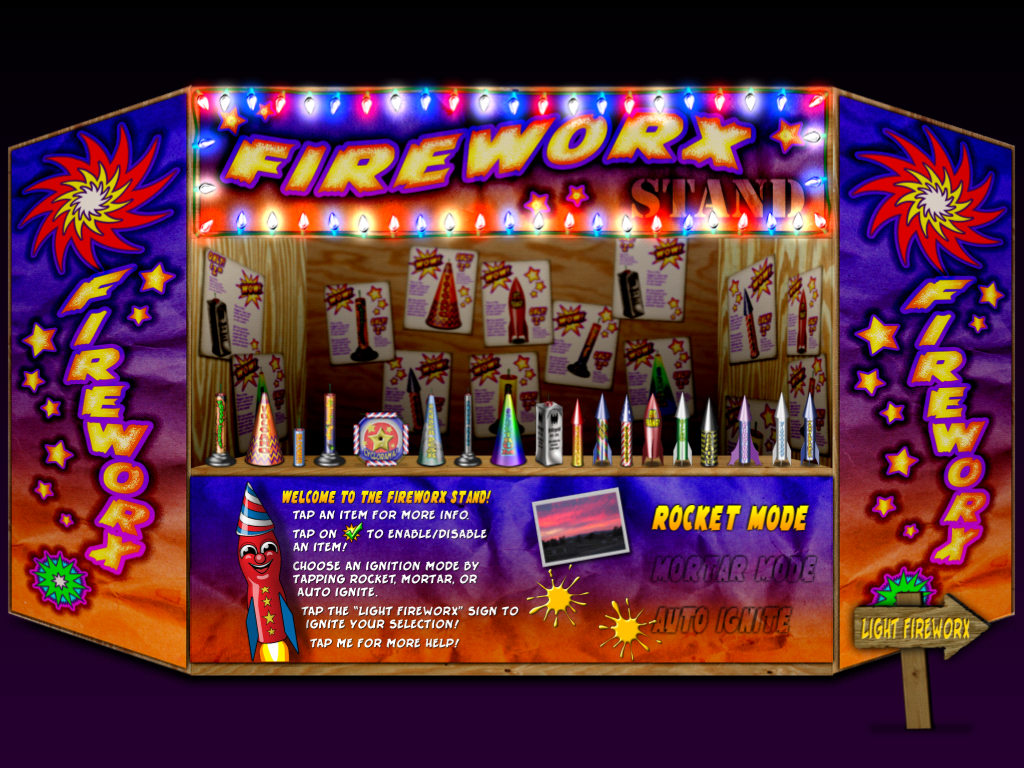
This Stand is always open!
It’s time to decorate your Apple devices with fun and fireworks!
FireworX Stand for Mac
FireworX Stand for iPad
Virtual FireworX Screensaver
These digital beauties are inexpensive and easy! No muss, fuss, or burned fingers! So what are you waiting for!
Happy Independence Day!
Curious Caverns Coming Soon!
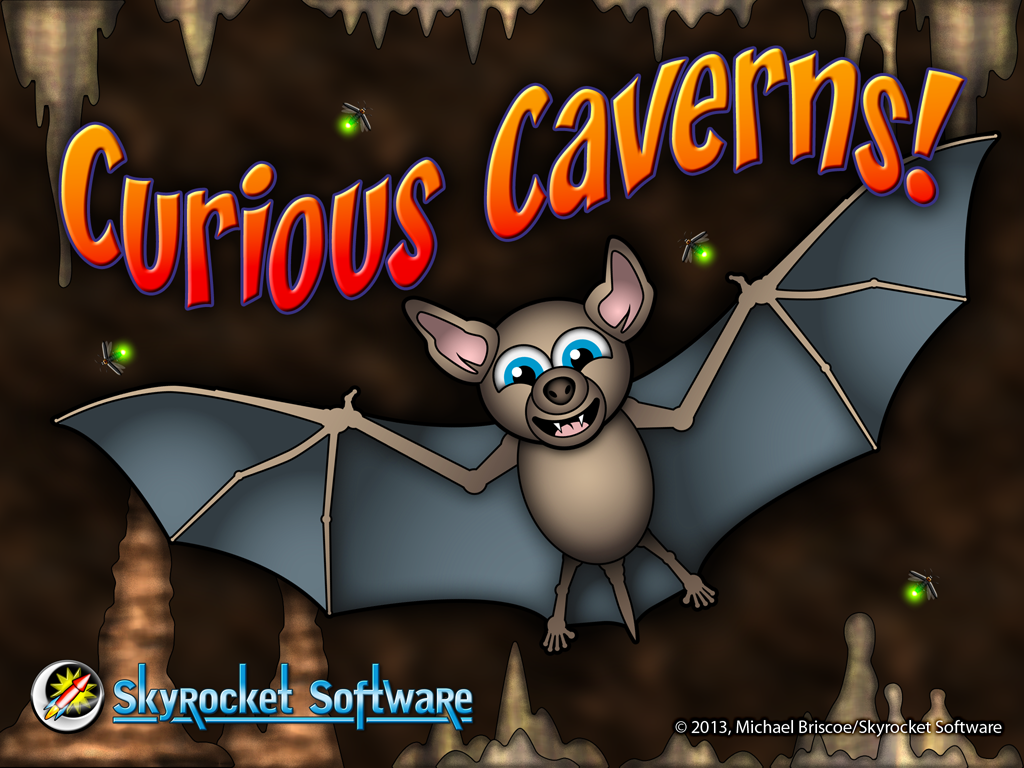
Announcing Curious Caverns! Coming this summer!
The player assumes the role of Talon the Bat, (named after my grandson), as he flies his way through an unknown cavern system. Each level presents new obstacles, challenges and baddies to vanquish. The player gains points, and earns achievements along the way.
The game play mechanics, and first level are nearly complete. My ultimate goal is to have at least 10 levels, with additional levels available via in-app purchase as they become available.
I could use a little help. If you would like to contribute in bringing this game to light, check out my GoFundMe page.
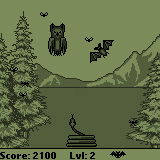
From “Bats!” for PalmOS.
The concept for this game has been bouncing around in my head for over ten years. It started out as “Bats!”, a PalmOS game where the user would control a small bat hunting bugs, while avoiding hungry snakes, and owls. Then came the Macintosh screensaver. So you can see, I absolutely love bats!
If you love bats too, or would like more information on these essential creatures, check out Bat Conservation International.
Fireworks are Fun and Fantastic!

Back around the 7th century the Chinese invented fireworks. Punctuating cultural events, and religious purposes, fireworks are part of the human experience. We can enjoy them with sight, sound, smell, and even touch, as we sense the concussion in our bones. Fireworks are beautiful on so many different levels, that each one of us has a unique experience.
For me, some of my earliest, and best memories involve fireworks. Warm summer nights, celebrations with family and friends, parades and picnics. Throughout my entire life, I have spent time trying to re-create those experiences of awe and beauty. As a child I have made drawings, cartoons, even collected extinguished fireworks for a pretend stand. My neighbors must have thought me odd, sitting behind my red wagon stand, selling burnt out fireworks for play money! Later I took it to the next level, and experimented with making my own fireworks, safely I might add. No one got hurt!
My first software product was, “The Digital Fireworks Stand”, a CD-ROM based simulation that also included history, a glossary of terms, and safety tips. Since then I have paid tribute to fireworks with several other software titles, including screen savers. Even the name of this company honors fireworks! So you see, I am still drawing and making fireworks, sitting behind my red wagon stand, waiting for my neighbors.
Celebrate with fireworks each and every day, all year long!
FireworX Stand for Mac & iPad!

All year long, any holiday or occasion, FireworX Stand brings a festive mood to your Mac or iPad! These pyro-tastic delights burn cool, so they won’t burn you, or your screen! FireworX Stand is realtime particle animations of fireworks, with realistic sparks, fire, smoke, and authentic sound effects!
>>> FireworX Stand for Mac >>>
>>> FireworX Stand for iPad >>>
Virtual FireworX Screensaver for Mac!
 Virtual FireworX are realtime 3D particle animations of fireworks simulations. Because the fireworks render in realtime, they truly vary from each viewing, randomly igniting in new locations in 3D space!
In the News: 17 Year Cicada Emergence
 Arguably not as beautiful as fireworks, but just as noisy, a new 17 year Cicada emergence will happen on the east coast this summer. There are many species of Cicada; pronounced si-kay-da. Some are annual, others are periodical, remaining in juvenile stages for as many as 17 years before emerging as adults! Check out this screensaver dedicated to the 17 year Magicicada emergence of 2004, also known as ‘Brood X’.
Decorate your Devices for Spring!
Here’s some suggestions to bling out your Mac and iOS gadgets for spring!
NightLights for Mac and iPad
NightLights for Mac and iPad is designed to add some holiday cheer to any occasion! It doesn’t matter which holiday you’re celebrating, there’s a color combination for every need. NightLights comes with both “Mini”, “C7″ type, and novelty shaped light bulbs. You can mix and match, choose from various blink modes, and more!
For more details check out these links:
NightLights Desktop for Mac
NightLights for iPad
Leprechaun Screensaver for Mac
 Have your very own digital Leprechaun on your desktop! Lonnie the Leprechaun hangs out in his own little world, looking for gold.
For more details: Leprechaun Screensaver for Mac
 BunnyBot for Mac
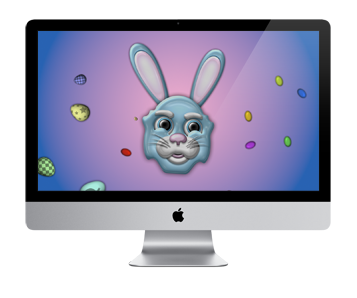
Put the Easter Bunny on your Mac with BunnyBot. He’s brought along decorated eggs, jelly beans, and flowers just for you! For more details: BunnyBot for Mac
Spring Screens
Check out these Mac screensavers that bring out the spirit of spring!
 Butterflyz Screensaver
HoneyBeez Screensaver
Stormz Screensaver
Campfirez Screensaver



 Skyrocket Software